Photo
Upload a photo. Yours, as it is.
FROM A DM TO AN ORDER
CustomerHow much? Is it available?

THE EVERYDAY EDIT
Bold black frames. An effortless cat-eye shape. The finishing touch for a look that feels like you.
Your next find is in the photo.Tap a price tag and add something you love.
On your live photo, buyers add their contact and delivery details. You receive the selected products and quantities.
Sample products · no real purchase
Put products and prices on one photo. Share the link in a DM, your bio or a story. Let customers choose and order.
PickPicBuy is the platform. Pickmerce is the way you sell: buyers choose products directly from an interactive photo and send you an order. One photo can contain several products, and your PickPicBuy page can bring several selling photos together.
Upload a photo. Yours, as it is.
Mark the items. Add your prices.
Buyers tap, choose and add.
They send an order. You take it from there.
PICKMERCE / LIVE DEMO
Watch the journey, or choose any step to explore it.
Start with a photo from your device. You can try the editor as a guest.
TRY IT. NO REGISTRATION NEEDED.
Add a photo, mark products and set prices. Create an account when you are ready to publish.
Your draft stays in this browser until you transfer it to your account. Use this browser to continue after signing in.
Draft saved in this browser.
Continue your saved photo draft ↗FOR TIKTOK & INSTAGRAM SELLERS


Know the amount before paying
Pay when you publish a showcase. Your first one is free.
Includes up to 10 products.
Includes up to 10 products.
For every additional block of 10 products.
Buyers pay you directly. You confirm payment and delivery; PickPicBuy records the order.
Buyers can order without an account.
Pricing →New · Optional
Upload a real selling photo and let PickPicBuy identify the visible products, write their names and descriptions, and prepare them for you to review.
No separate AI fee
Quick answers
Try your photo without signing up. Create an account when you are ready to publish.
Buyers can order without an account.
Buyers pay you directly. You confirm payment and delivery; PickPicBuy records the order.
Your first storefront is free for up to 10 products. Each additional storefront is $1 with 10 products included. Each additional block of 10 products is +$1.
PricingBuyers follow your link from social profiles, messages or a QR code. Keep sharing where your audience already knows you, and give them one clear place to order.
Your phone is enough. Select a photo, mark the products with your finger, add a name and price, publish, then share.
A PHOTO CAN DO MORE.
Try your photo without signing up. Create an account when you are ready to publish.
Try your photo First photo with up to 10 products: free.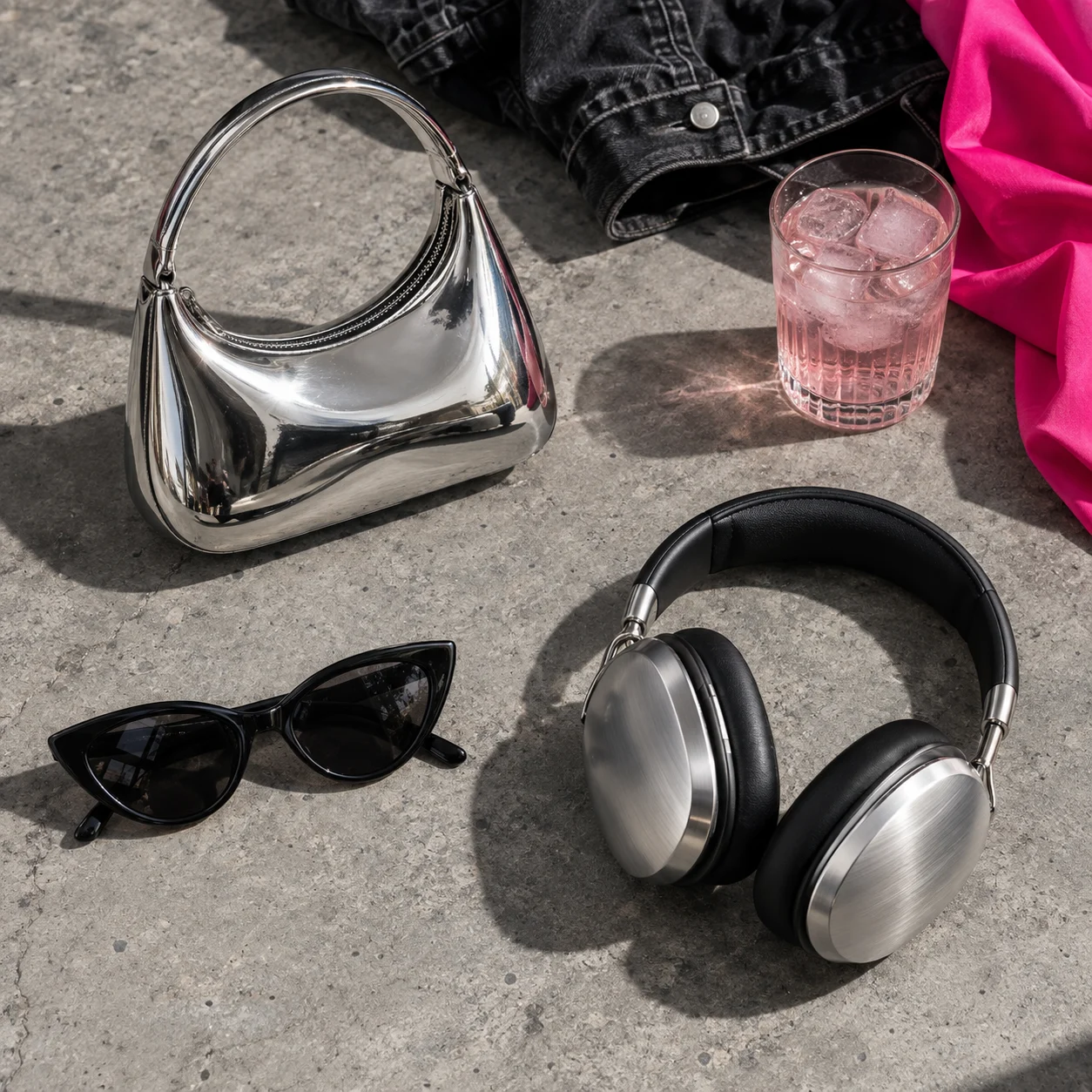
@mia How can I order the pink bag?
@studio Choose it in my showcase ↗