First photo with up to 10 products: free.
Start with your photo
Add a photo, mark products and set prices. Create an account when you are ready to publish.
- 01Choose a photo
- 02Mark a product
- 03Preview your photo
Create a collageChoose 2–9 photos.
Use one clear image with the products fully visible. You will draw around each product next.
- JPEG, PNG, or WebP
- At least 100 × 100 pixels
- Up to 15 MB
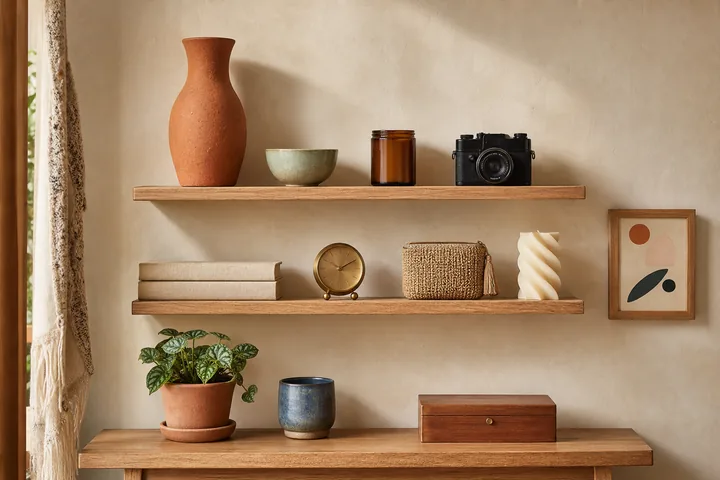 Ceramic Vase€24
Currency
Which currency will you sell in?
Buyers will see all your prices in this currency. Choose it once before marking products.
Choose “Mark a product”, then trace around it.
Press and drag one closed loop around the product. Keyboard: arrows to move, Space to add points, Enter to close, Escape to cancel.
Your photo is ready. Sign in or create an account to keep it and publish. Your draft will be waiting here.
Your draft stays in this browser until you transfer it to your account. Use this browser to continue after signing in.