
We will agree on the pickup point after order confirmation.
The complete seller guide
How to use PickPicBuy
From one photo to a clear order. Here’s how it works.
PICKMERCE / LIVE DEMO
From photo to published showcase.
Watch the journey, or choose any step to explore it.
01 / 07
01
Choose a photo
Start with a photo from your device. You can try the editor as a guest.
1
Start with one account
Create your account
Registration is intentionally simple. You do not choose “buyer” or “seller.” One account can do both.
- Sell through your own PickPicBuy page.
- Buy from another PickPicBuy seller.
- See received Orders.
- See My purchases.
Creating an account does not create a complicated store. Create your account. That’s it. You can start selling immediately or later.
Already have an account? Log in
2
Your main public link
Create your selling page
Choose a page name, public URL, short description, currency, and optional public links. Your page is the home for all your published storefronts.
Public URLpickpicbuy.com/maya-finds
Share this main link anywhere. You can change the essentials later from Shop settings.
Before publishing
How customers can pay you
PickPicBuy does not process the payment between you and your customer. You simply tell customers which arrangements you accept.
✓ Bank transferCash on deliveryCash on pickupPayPalPayment by invoice
Bank transfer
3
Choose where and how you deliver
First choose the countries you are willing to send orders to. Then choose delivery options for each country.
- Choose delivery countries. Only these countries appear at checkout.
- Choose services for each country. PickPicBuy offers a curated list of familiar options.
You may also add Local courier, Pickup in New York, Market pickup, or your own local service.
United StatesDelivery options
✓ USPS✓ UPS+ FedEx
What delivery presets mean
Selecting USPS, UPS, FedEx, or another service means: “I offer this delivery method.” PickPicBuy does not create shipments, calculate carrier rates, generate labels, track parcels, or connect to carrier APIs. The customer chooses from your offered methods at checkout.
4
Your first storefront
Add a photo
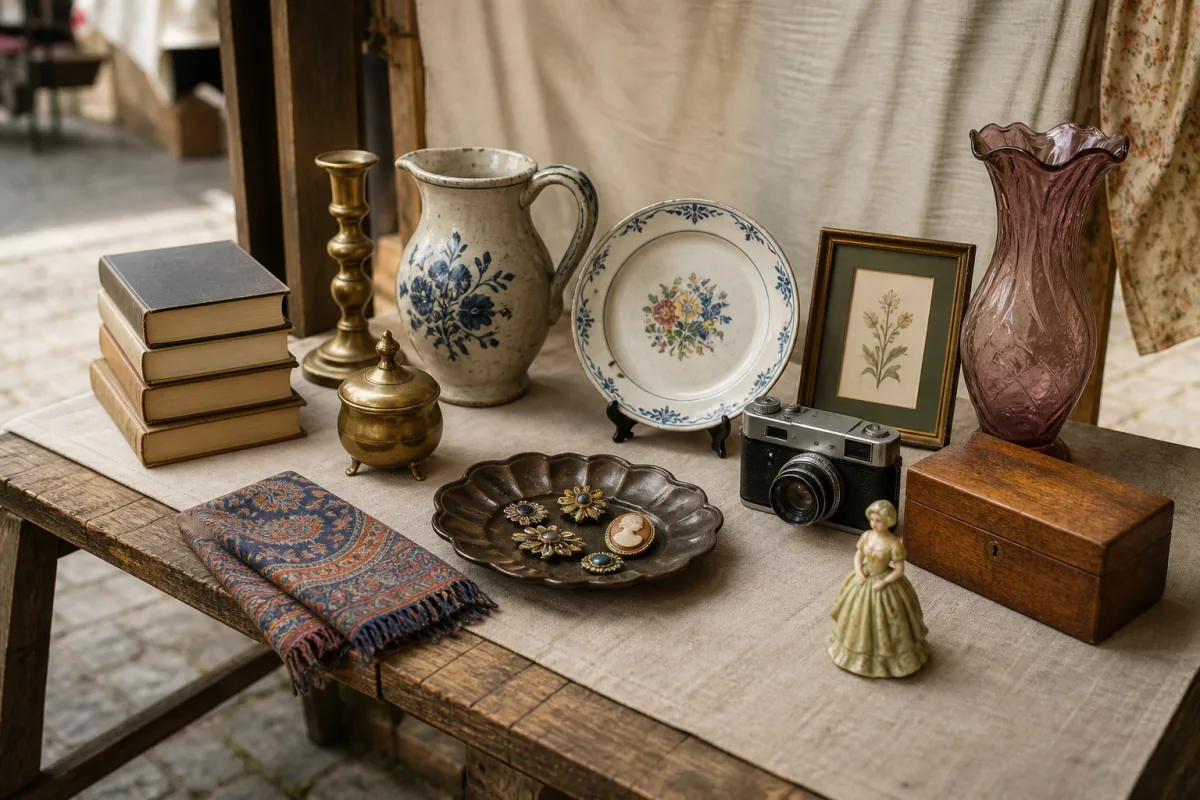
A PickPicBuy storefront begins with a photo. It can show a shelf, table, rack, box of things, handmade pieces, vintage finds, books, plants, cosmetics, or anything else you want to offer.
You do not need one photo per product.
What is Pickmerce?
PickPicBuy is the platform. Pickmerce is the way you sell: buyers choose products directly from an interactive photo and send you an order. One photo can contain several products, and your PickPicBuy page can bring several selling photos together.
The core interaction
Mark what you want to sell
Draw around the object. PickPicBuy turns it into a product.
 Start with the photo
6
Add the product information
For each marked object, enter its Product name, Price, and an optional short description.
Name. Price. Save. Mark the next thing.
What you do not have to configure
- Inventory systems or variations
- Product categories or complicated attributes
- Shipping classes
- SEO product pages
One photo. Many products.
Every region is a product
- Ceramic Vase$24
- Candle$9
- Small Bowl$14
- Book$8
- Camera$42
Know the amount before paying
No subscriptions. No monthly bills.
Pay when you publish a showcase. Your first one is free.
Your first storefront
FreeIncludes up to 10 products.
Every additional storefront
$1Includes up to 10 products.
More products in one storefront
+$1For every additional block of 10 products.
First storefront · 8 productsFree
First storefront · 17 products$1
Second storefront · 8 products$1
Second storefront · 17 products$2
Two different things
PickPicBuy displays the payment options and instructions you configured. It does not process that transaction.
PickPicBuy may charge you to publish additional storefronts or add product capacity. These are platform Billing charges.
When publishing requires payment
1Draft→2Payment required · $2→3Payment confirmed→4Published
Choose Pay & publish. After PickPicBuy receives payment confirmation, that exact storefront is automatically published. Other drafts stay drafts. The exact amount is shown before you pay.
Products10 / 10Storefront remains published
After confirmation10 / 20Existing products stay in place
Paid capacity remains available even if you later remove products.
7
Publish when you’re ready
Draft storefronts are private. Choose Publish when the photo and product details are ready.
- If no payment is required, it becomes public immediately.
- If payment is required, follow the Billing flow above.
- You can edit a published storefront later.
8
Your audience stays yours
Share your page anywhere
Every seller has a main PickPicBuy page. Use it in a profile bio, social post, message, email, printed card, package, market stall, or shop window.
You do not need to bring your audience to a new social network. Just give them your PickPicBuy link.
Share the whole page — or just one storefront
Every published storefront has its own direct photo link. Use it to promote this shelf, today’s products, a new collection, or the exact photo shown in a social post.
Direct storefrontpickpicbuy.com/maya-finds/p/…
Opening the link takes the buyer directly to that interactive storefront.
A use case — not an integration
Selling on TikTok?
Stop rebuilding orders from DMs.
You already know how to show your products. You shouldn’t have to build an online store just to take an order.
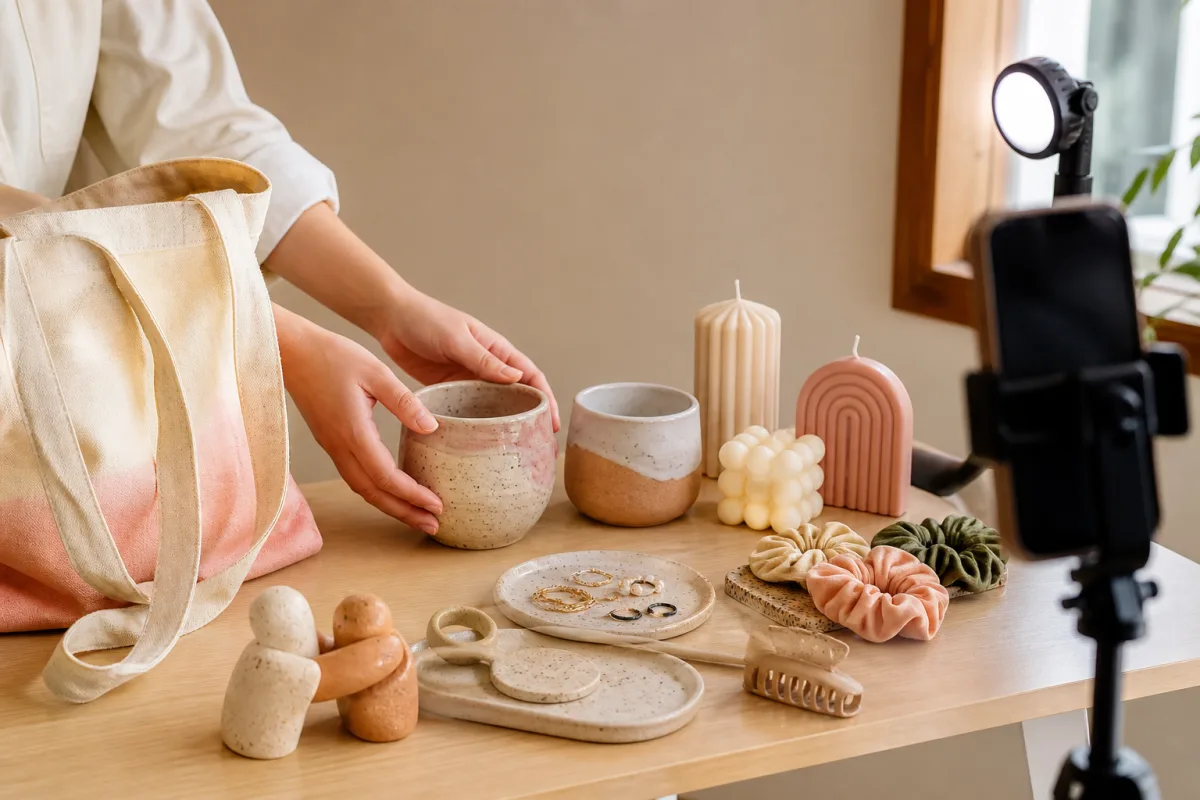
Create your TikTok content as usual.
Put your PickPicBuy page in your bio, or share a direct storefront link where appropriate.
No traditional catalog is required first.
Customers tap the exact object they mean.
Products, quantity, country, delivery method, payment choice, and customer details.
No reconstruction from a message thread.
“How much is this?”
“Which one?”
“The blue one.”
“The dark blue?”
“No, the one behind it.”
“Can you send it by USPS?”
“How do I pay?”
3 items
Delivery: USPS
Payment: Cash on delivery
Customer details: complete
Your TikTok gets attention. PickPicBuy turns it into a clear order.
PickPicBuy does not imply a TikTok partnership, API integration, or automatic TikTok import.
The buyer’s view
What your customer sees
The buyer opens your link, sees the real photo, and taps an object. PickPicBuy shows the product name, price, short description, and Add to cart. They can choose several products from the same seller.
Ceramic Vase
$24Speckled stoneware vase.
Tap → Add to cart → Checkout
Checkout asks only for what the order needs
Delivery countryUnited StatesDelivery methodUSPSPayment optionCash on delivery
- Name
- Phone
- Delivery details
- Optional note
Only countries, delivery methods, and payment options configured by the seller appear.
10
A useful ending
Receive the order — not a conversation
The seller sees the customer’s name, email, phone, delivery country, delivery method, payment choice, delivery details, note, products, quantities, prices, and total.
You know exactly what the customer wants.
New→Confirmed→CompletedCancelled is available when needed.
OrderPPB-74C21
NewCustomerMaya K.
maya@example.com
+1 212 555 0100
DeliveryUnited States · USPS
New York, pickup point 12
PaymentCash on delivery
- Ceramic Vase × 1$24
- Candle × 2$18
Everything you need. Nothing you don’t.
Your PickPicBuy dashboard
Move between your public page, storefronts, order work, settings, and platform Billing without a maze of ecommerce tools.
Your pageStorefrontsAdd photoOrdersMy purchasesShop settingsBilling
No desktop required
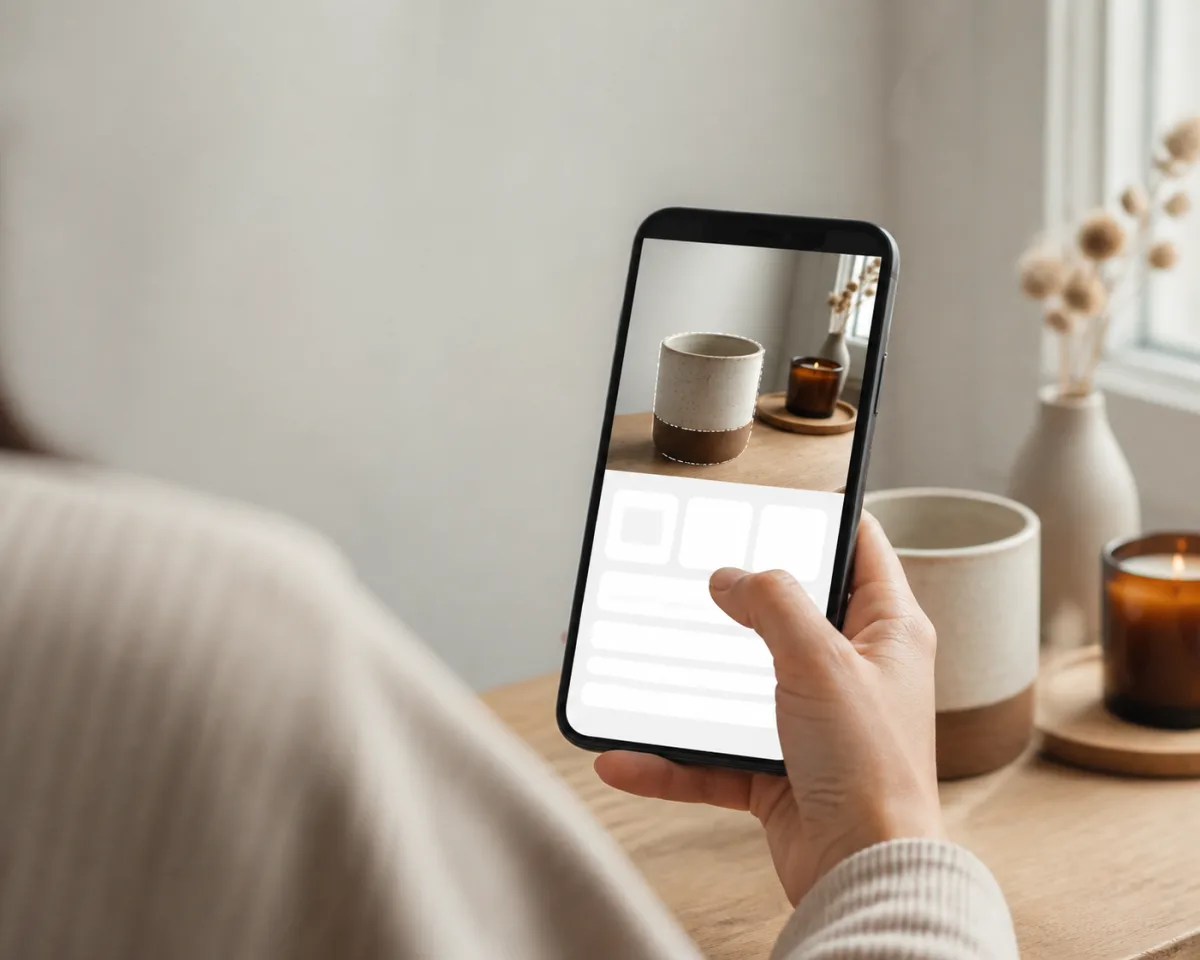
You can do it from your phone
- Take a product photo
- Upload it
- Mark an object with your finger
- Enter name
- Enter price
- Save
- Mark the next product
- Publish
- Share
- Open link
- Tap product
- Add to cart
- Checkout
Quick answers
Frequently asked questions
Do I need my own website?
No.
Do I need a traditional product catalog?
No. Products are created directly from your selling photos.
Can one photo contain multiple products?
Yes. A photo with multiple tappable products is at the heart of Pickmerce.
Can I sell from TikTok?
Yes. Share your PickPicBuy page or a direct storefront link. There is no implied TikTok integration.
Does PickPicBuy process payments from my customers?
No. You choose and describe the ways customers can pay you.
How much does PickPicBuy cost?
Your first storefront is free for up to 10 products. Each additional storefront is $1 with 10 products included. Each additional block of 10 products is +$1.
Can customers order without registering?
Yes. Guest checkout is available.
Can I choose where I ship?
Yes. Only countries you configure appear at checkout.
Can I choose delivery services?
Yes. Use country presets or add your own delivery option.
Can I use PickPicBuy on mobile?
Yes. Seller and buyer flows are responsive.
Your first storefront can start today
Ready to sell something?
Take a photo. Mark what’s for sale. Share your link. That’s Pickmerce.
Start selling